Install the Aboard Extension for Safari
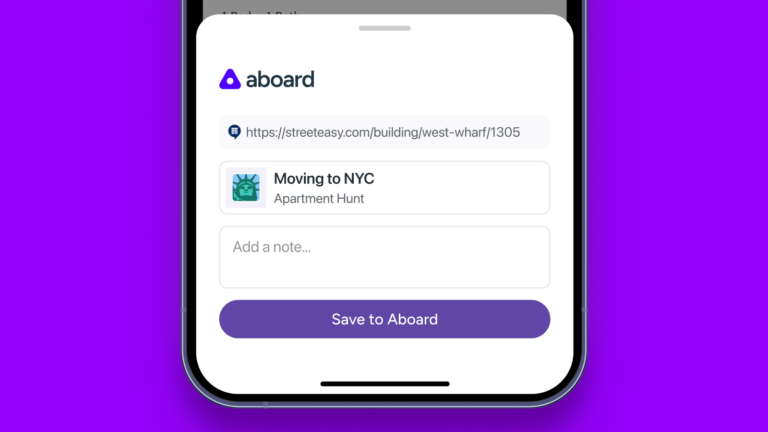
Once it’s installed, it works just like you’d expect: Click, and links turn into cards.
 By ·
By ·

Great news! The Aboard extension (which already worked for Chrome, Edge, and Arc) now works in the MacOS Safari web browser, too. One user wrote in to say, “That Safari extension is awesome—I think it’s even better than the Chrome extension in terms of speed.” He continued: “Woot woot!” Thanks, Mike!
In case you’ve never installed a Safari extension before, it’s a weird process—you download them via the Mac App store. You can search for Aboard, but if you want to skip the search, just use this link.
Once it’s installed (to the left of the URL bar), it works just like you’d expect: Click, and links turn into cards. Or just add a note. Good stuff!
We made a video to show how it all works. Check it out!
One of the world’s leading technology thinkers, Paul Ford has written about the way that software works for dozens of publications like Wired, Businessweek, and the New York Times. He co-founded Aboard with Rich Ziade.


The Aboard Newsletter
Want more of this?
From Paul Ford and Rich Ziade: weekly insights, emerging trends, and tips on how to navigate the world of AI, software, and your career. Every week, totally free, right in your inbox.